


-
Book Overview & Buying
-
Table Of Contents

-
Feedback & Rating

Node Cookbook - Fourth Edition
By :


Node Cookbook
By:
Overview of this book
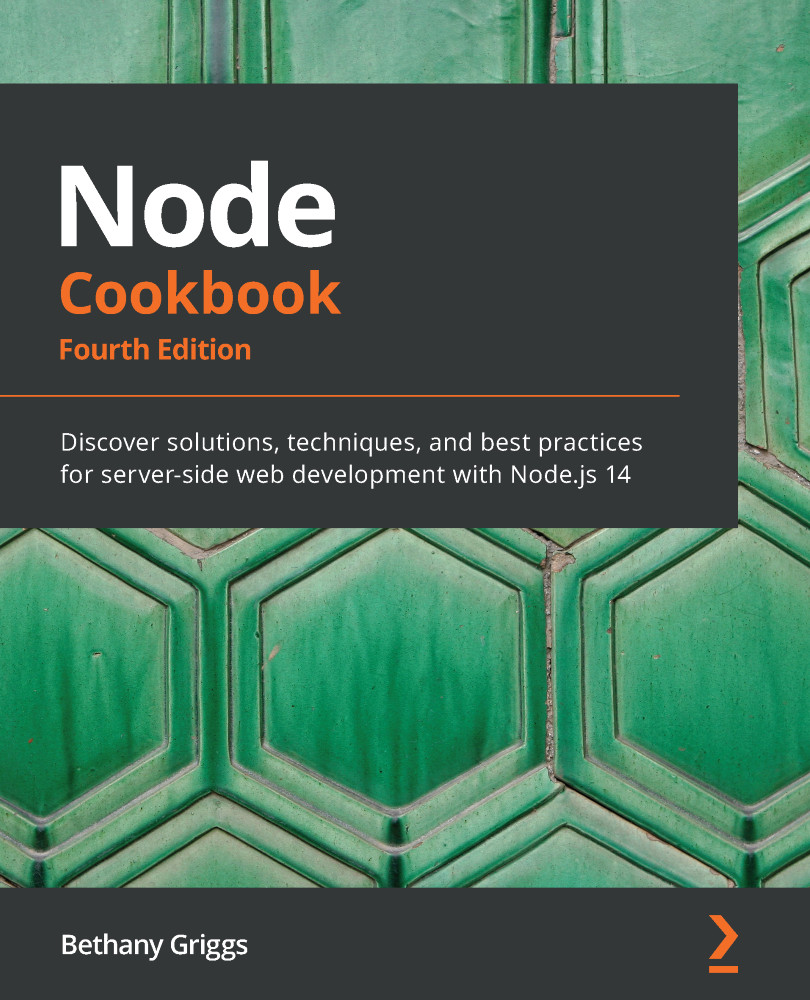
A key technology for building web applications and tooling, Node.js brings JavaScript to the server enabling full-stack development in a common language. This fourth edition of the Node Cookbook is updated with the latest Node.js features and the evolution of the Node.js framework ecosystems.
This practical guide will help you to get started with creating, debugging, and deploying your Node.js applications and cover solutions to common problems, along with tips to avoid pitfalls. You'll become familiar with the Node.js development model by learning how to handle files and build simple web applications and then explore established and emerging Node.js web frameworks such as Express.js and Fastify. As you advance, you'll discover techniques for detecting problems in your applications, handling security concerns, and deploying your applications to the cloud. This recipe-based guide will help you to easily navigate through various core topics of server-side web application development with Node.js.
By the end of this Node book, you'll be well-versed with core Node.js concepts and have gained the knowledge to start building performant and scalable Node.js applications.
Table of Contents (14 chapters)
Preface


Chapter 1: Introducing Node.js 14
 Free Chapter
Chapter 2: Handling I/O
Chapter 3: Streams, Streams, Streams
Chapter 4: Using Web Protocols
Chapter 5: Developing Node.js modules
Chapter 6: Exploring Node.js web Frameworks
Chapter 7: Working with Databases

Chapter 8: Testing with Node.js
Chapter 9: Securing Node.js Applications
Chapter 10: Performance Optimization
Chapter 11: Deploying Node.js Microservices
Chapter 12: Debugging Node.js
Other Books You May Enjoy
Customer Reviews


